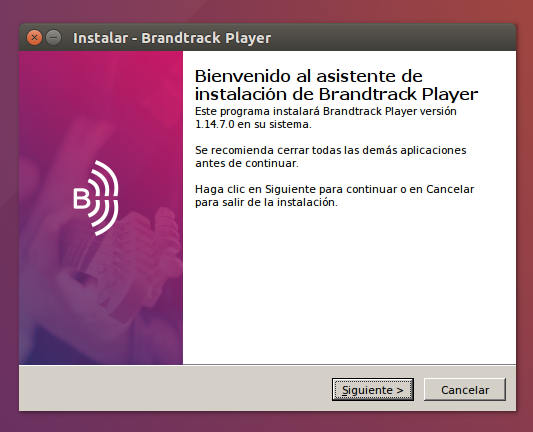
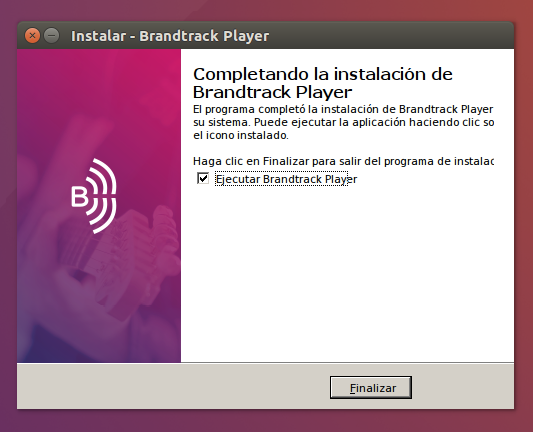
Install the Brandtrack App in Ubuntu July 13, 2023 16:48 Updated Enter the Ubuntu terminal. Run the command "sudo apt-get -y update " to update the repositories. You will have to install the wine package, in case you do not have it you can add it using the command "sudo apt-get -y install wine " from the terminal. Next you must download the .exe file. You can do it from the console "wget https://app.brandtrack.fm/latest.exe O brandtrack_player.exe ". The next step is to execute the command "wine ./brandtrack_player.exe " and then we will see the following window. Once the installation is finished you will see. Click on "Finish"